Start with your game
A prototype, a weekend idea, that thing you just vibe coded. Open it in your coding agent.
Copy the prompt into your coding agent to add shared rooms, matchmaking and live game updates. lobbyboi is an open-source TypeScript library for multiplayer games on Cloudflare Workers and Durable Objects.
Open source · TypeScript · Runs on Cloudflare
You bring the idea. Your agent writes the game logic. lobbyboi takes care of the rooms, the players and everything that keeps them connected.
New to this? You’ll need a coding agent and a Cloudflare account to put your game online. Start with the setup checklist below, then come back and copy the prompt.
A field guide for your agentCopy this into your coding agent with your game project open.
A prototype, a weekend idea, that thing you just vibe coded. Open it in your coding agent.
It gets the docs, a working example and a checklist for wiring multiplayer into your project.
Test locally, deploy to Cloudflare, then share a room code. Add bots while you wait for the crew.
Before you start: sign up for Cloudflare to host your game online, and open your game project in a coding agent. Testing only on your computer? You can do that before setting up hosting.
Choose how you’re building your game. We’ll show you the accounts, tools and next steps for that path.
You’re working with files on your computer. Open your game’s folder in Cursor, Codex or Claude Code, then let your agent guide you through the checklist.
Cloudflare runs the online part of your game so friends can connect from their own computers. You’ll need your own Cloudflare account to put your game online. Create an account and finish the signup steps. You can try the demo locally first.
Create your Cloudflare account ↗Install and sign in to the coding tool you want to use. It needs access to your game’s files and permission to run the setup commands. Open your game’s folder in it, then paste the multiplayer prompt above. Tell it you’re a beginner and want help with setup.
Node.js lets your computer run the tools that build and preview your game. Download the current LTS installer and follow its steps (this repo needs 22.12+). It also installs npm, which downloads other tools. Reopen your terminal after installing.
Git downloads a copy of the lobbyboi example onto your computer and tracks changes to code. Download Git for your operating system and follow the installer. You don’t need a GitHub account to download this public example.
pnpm downloads the code packages the example needs. After installing Node.js, open your terminal and run npm install -g pnpm@9.13.2. If you’re adding multiplayer to your own game, your agent should keep the package manager that game already uses.
Wrangler is Cloudflare’s command-line tool. It runs a practice version of your multiplayer server on your computer and publishes it when you’re ready. The example installs it when you run pnpm install below. You don’t need to install it separately.
It’s an app where you type commands. On macOS, open Terminal; on Windows, open PowerShell. Your code editor may also have a Terminal panel. Paste one line at a time, press Enter, and wait for it to finish before running the next. If you see an error, paste it into your coding agent and ask for help.
Once Node.js and Git are installed, run these commands in order. They install pnpm, download the example, open its folder, install its dependencies and start it. Leave the terminal running, then open localhost:5180 for the site or /play/ for Coin Rush. “localhost” means this is running on your own computer; friends on other computers can’t use that address.
The dev script starts Vite and Wrangler and creates a local SESSION_SECRET in site/.dev.vars. Keep that file private. Open a private browser window for a second player; normal tabs share a session.
Just want the standalone game? Use pnpm dev instead and open the Vite URL printed in your terminal.
npm install -g pnpm@9.13.2
git clone https://github.com/waltzaround/lobbyboi.git
cd lobbyboi
pnpm install
pnpm siteThis step is called deploying: uploading your game to Cloudflare so it has a public web address. Sign up for Cloudflare if you haven’t yet. Ask your agent to walk you through the steps below. You complete the account signup and browser login yourself. These commands are for the lobbyboi example; your agent should adapt them for your own game.
site/wrangler.jsonc, choose your own Worker name and remove the existing routes entry for lobbyboi.walt.online. Use your workers.dev URL to start.lobbyboi folder you downloaded, run pnpm --filter site exec wrangler login and sign in to your Cloudflare account in the browser window that opens. This connects the publishing tool to your account.pnpm --filter site exec wrangler secret put SESSION_SECRET and enter a random secret of at least 16 characters. Your local secret isn’t uploaded automatically.pnpm run deploy to build and deploy the site and demo to your account. Cloudflare usage limits and charges apply to your account.You’re building in your browser. Start with your builder account and Cloudflare; you don’t need to install local tools just to edit your game there.
Sign in to Lovable or your chosen builder and open your game project. You’ll paste the prompt below into its chat. Keep using the builder for your game’s screens and design.
You still need your own Cloudflare account. lobbyboi’s multiplayer server runs on Cloudflare Workers and Durable Objects. Your builder’s Publish button alone doesn’t set that server up.
Create your Cloudflare account ↗Ask your builder whether it can create and deploy a Cloudflare Worker with Durable Objects. If it can’t, use its code export or GitHub connection, then have a local coding agent set up the multiplayer backend. For this handoff, create a GitHub account if needed and follow Lovable’s GitHub sync guide.
The part players see can stay hosted by your builder. The multiplayer server lives on Cloudflare. Your agent needs to connect the two using the server’s web address, allow connections from your game’s address, and test player sessions. Cloudflare login and a server secret are part of that setup. Keep the secret on the server.
This prompt asks it to check what it can actually deploy before starting. If a local setup is needed, switch to the Local development tab for Node.js, Git, pnpm and Wrangler instructions.
Once both parts are online, open the game in two separate browser sessions and check that both players can join the same room and play together. Publishing a screen is only part of the setup.
Give your agent a foundation for the rooms, connections and match flow around your game.
Readable room codes, a public room list and one-click quick-match. It reserves a seat before sending you in, so stale listings never strand a player.
Ready-up, host controls, kick, chat, countdown, results and back again. Changing the rules un-readies everyone, so nobody agrees to a game they didn’t see.
One socket per player, so refreshing just works. Dropped players keep their slot, the client backs off and retries, and the host role moves on if the host leaves.
A fixed-step server tick with sequenced, validated, rate-limited inputs. Every snapshot carries an ack so clients can predict and reconcile.
Per-connection, per-entity, per-field diffs. A moving player costs {"x":412}, not the whole world. Keyframes and resync handle lost baselines.
Bots fill empty seats and give them up when humans arrive. Their inputs go through the same path as players’, so your rules apply to them for free.
Snapshots arrive late, in bursts, or not at all. The left side draws each one as it lands. The right side
runs the same packets through lobbyboi’s Interpolator. The dashed ring is where the server
really is.
Every room code maps to one Durable Object, so all players share one process and one source of truth. Timers are alarms, so a lobby of idle players hibernates and costs nothing. The tick loop only runs during a match.
step() at tickHz, snapshots at snapshotHzfixed-step loopstep() returnedalarmYour agent writes the game hooks and connects your UI. Peek at the shape of the code below, or explore the full README.
import { GameRoom, createLobby } from 'lobbyboi/server';

export class TagRoom extends GameRoom<State, Input> {
  static config = { maxPlayers: 8, tickHz: 30 };

  createGame(ctx) {
    return spawn(ctx.players); // bots included
  }
  step(state, ctx) {
    for (const [id, input] of ctx.inputs)
      move(state, id, input, ctx.dt);
    if (ctx.tick > 1800) return { winner: leader(state) };
  }
  view(state, playerId) {
    return { players: state.players };
  }
  botInput(state, botId) {
    return chaseNearest(state, botId);
  }
}

const lobby = createLobby({ rooms: 'ROOMS' });
import { LobbyClient, Interpolator } from 'lobbyboi/client';
const lobby = new LobbyClient();
await lobby.login('Walt');
const room = lobby.join(await lobby.quickMatch());
const others = new Interpolator({ delayMs: 100 });
room.on('room', (info) => renderLobby(info));
room.on('snapshot', ({ time, state }) =>
others.push(time, state.players));
room.ready();
setInterval(() => room.sendInput(readKeys()), 33);
function frame() {
draw(others.sample(room.serverTime()));
requestAnimationFrame(frame);
}// wrangler.jsonc
"durable_objects": {
"bindings": [
{ "name": "ROOMS", "class_name": "TagRoom" },
{ "name": "LOBBY", "class_name": "LobbyDirectory" }
]
},
"migrations": [{
"tag": "v1",
"new_sqlite_classes": ["TagRoom", "LobbyDirectory"]
}]export class TagRoom extends GameRoom<State, Input> {
createGame(ctx) { /* initial state */ }
step(state, ctx) { /* one tick */ }
view(state, playerId) { /* what they see */ }
}
export { LobbyDirectory } from 'lobbyboi/server';
const lobby = createLobby({ rooms: 'ROOMS' });
export default {
fetch: async (req, env) =>
(await lobby(req, env)) ?? env.ASSETS.fetch(req),
};const lobby = new LobbyClient();
await lobby.login(name);
const room = lobby.join(await lobby.quickMatch());
room.on('room', renderLobby);
room.on('snapshot', render);
room.sendInput({ x: 1, y: 0 });npx wrangler secret put SESSION_SECRET
Give your coding agent the lobbyboi integration prompt. It guides the agent through adding rooms, player connections and server-side game rules to your existing project. Use the setup guide for local tools or all-in-one builders.
Yes, to host your multiplayer server online. lobbyboi uses Cloudflare Workers and Durable Objects. You can test the example on your computer with Wrangler’s local runtime before deploying.
Your frontend can stay in Lovable if it supports the integration. The multiplayer backend still needs to be deployed to Cloudflare. If your builder cannot deploy it, export or sync your code and have a local coding agent set up the backend. The builder setup guide explains the steps.
The library is open source under the MIT license. Cloudflare hosting and your coding tool have their own usage limits and pricing.
Play the Coin Rush example or read its source code. It demonstrates rooms, bots, player movement and reconnects.
A collection of multiplayer games I’ve made with Cloudflare. Pick one, send a friend the link, and jump in.
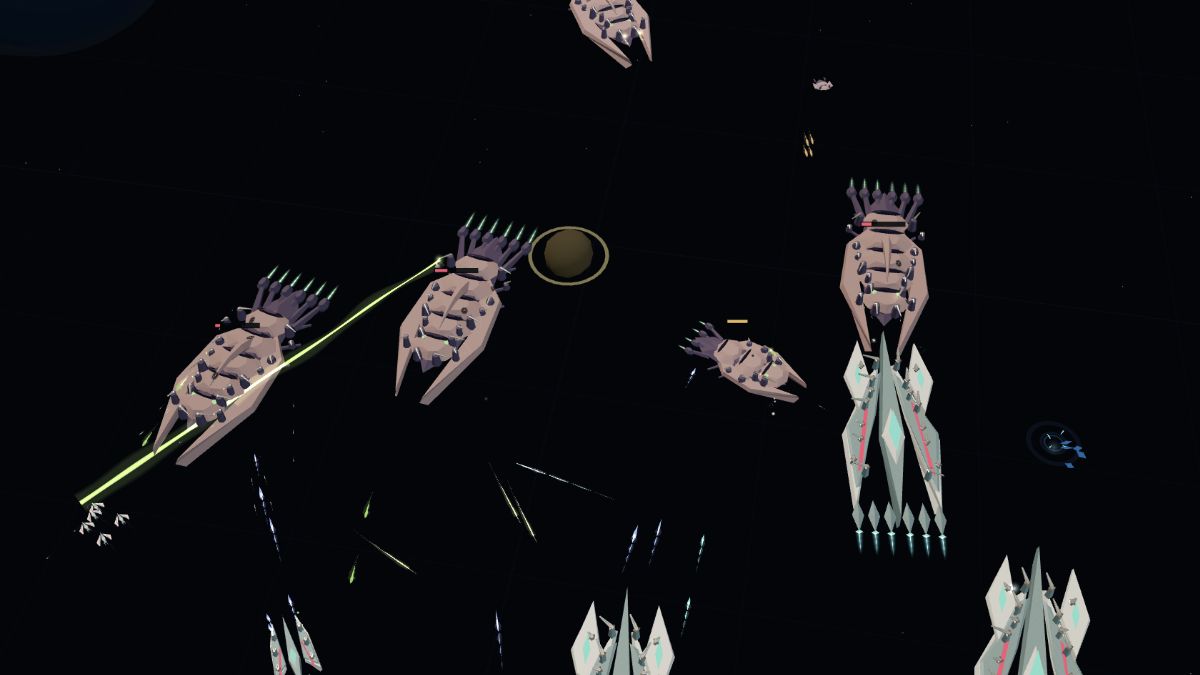 In development
Build a base, command a fleet and battle across space.
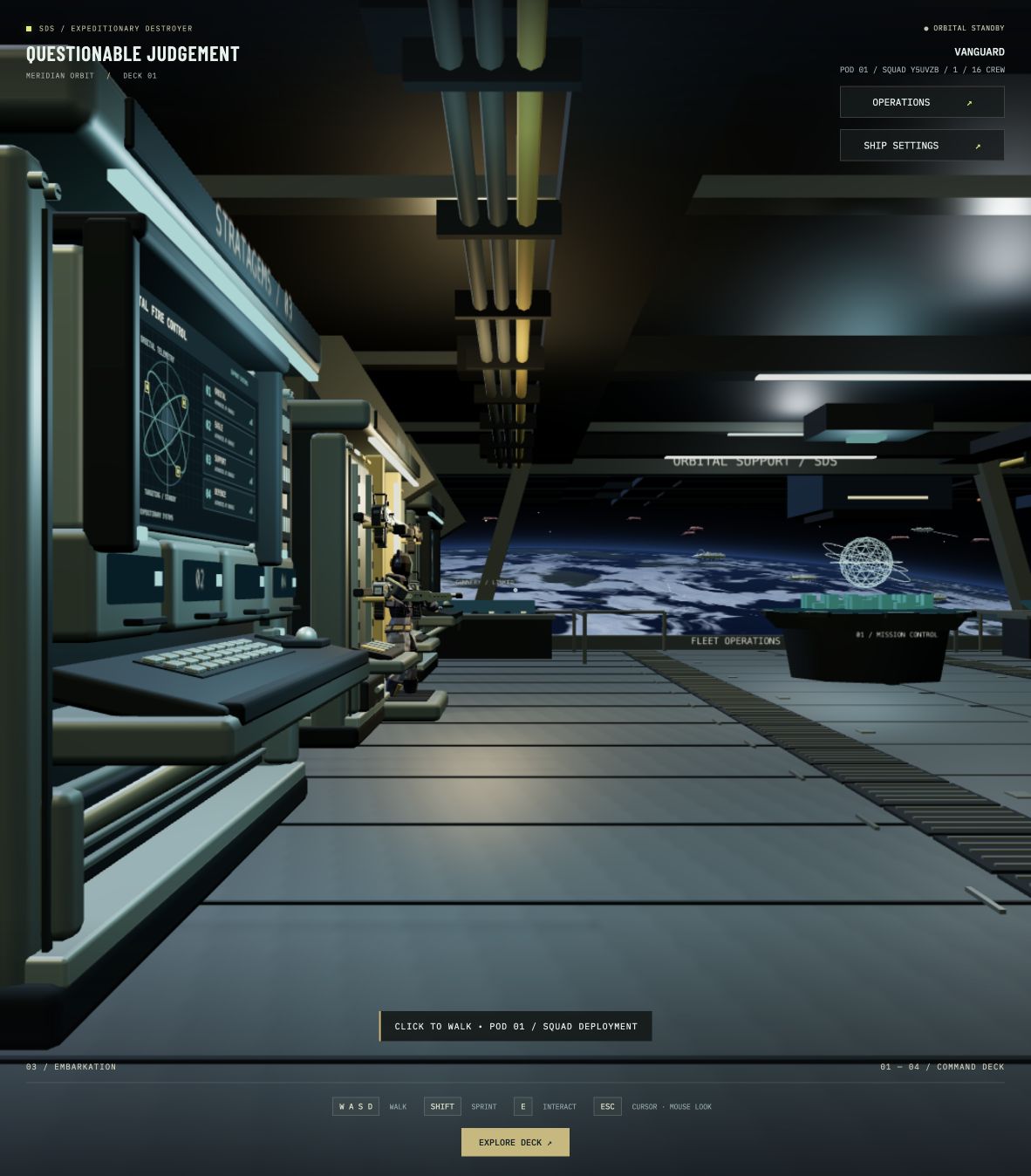 In development
Drop into a 16-player co-op shooter and get your squad out alive.
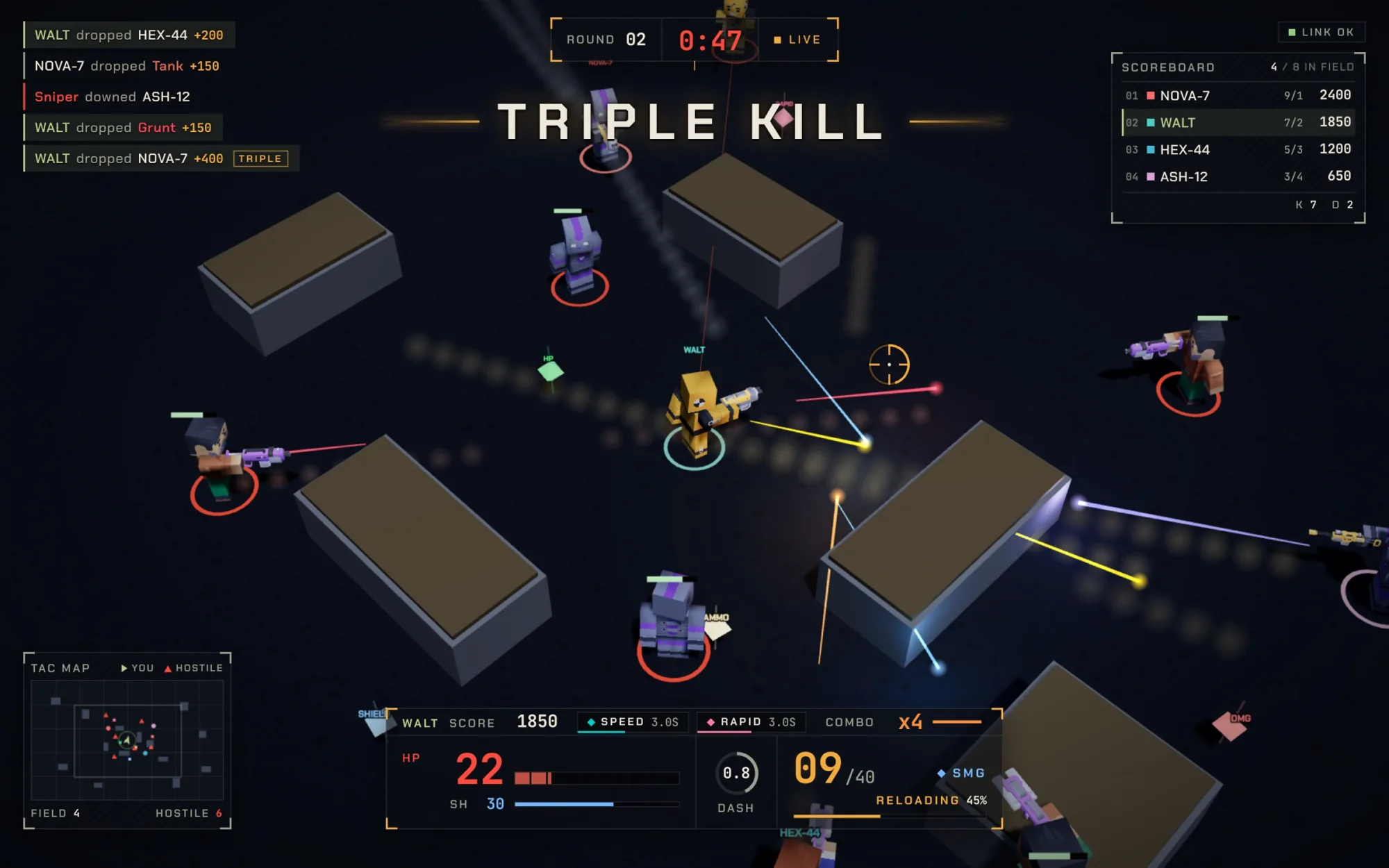
Three-minute bullet-hell battles with friends, bots and five guns.
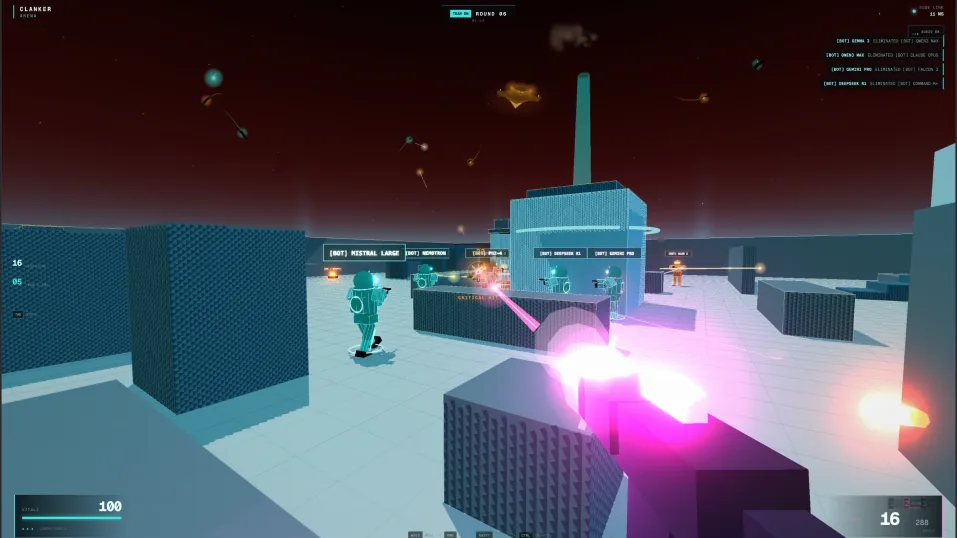
A browser FPS with player-versus-player and player-versus-enemy modes.
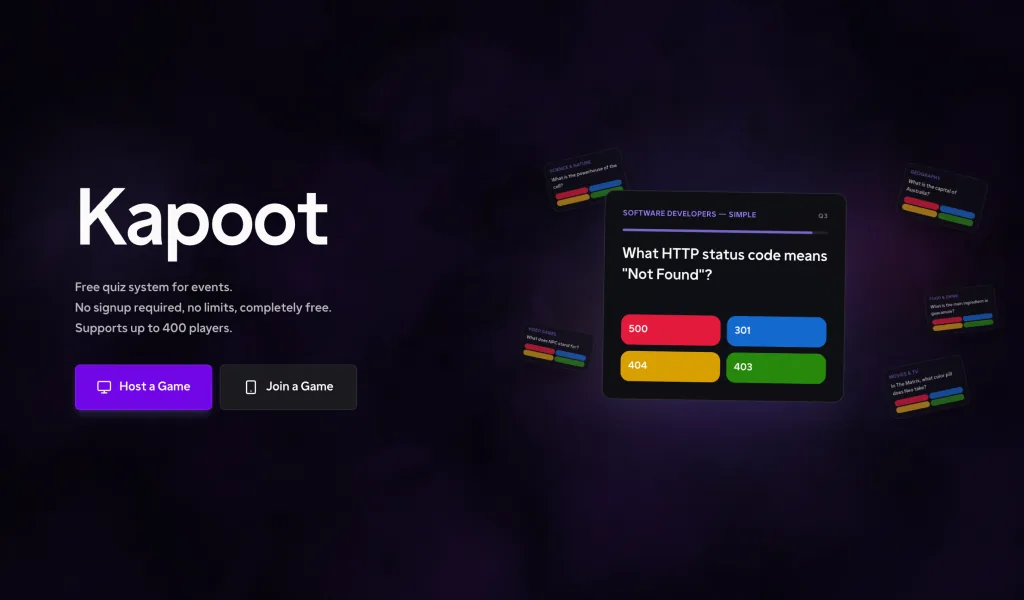
Make a quiz, bring your friends and see who knows the most.
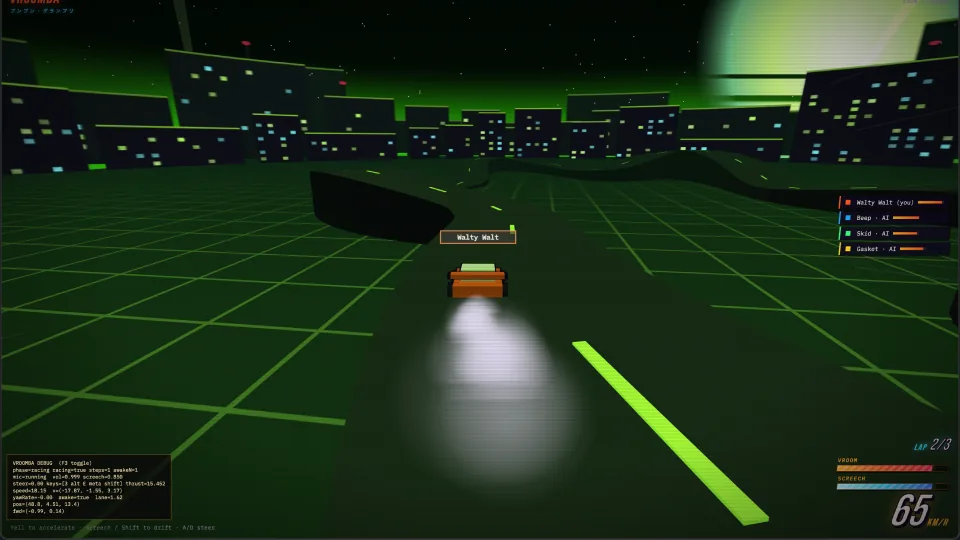
Race your friends using your voice to control your car.
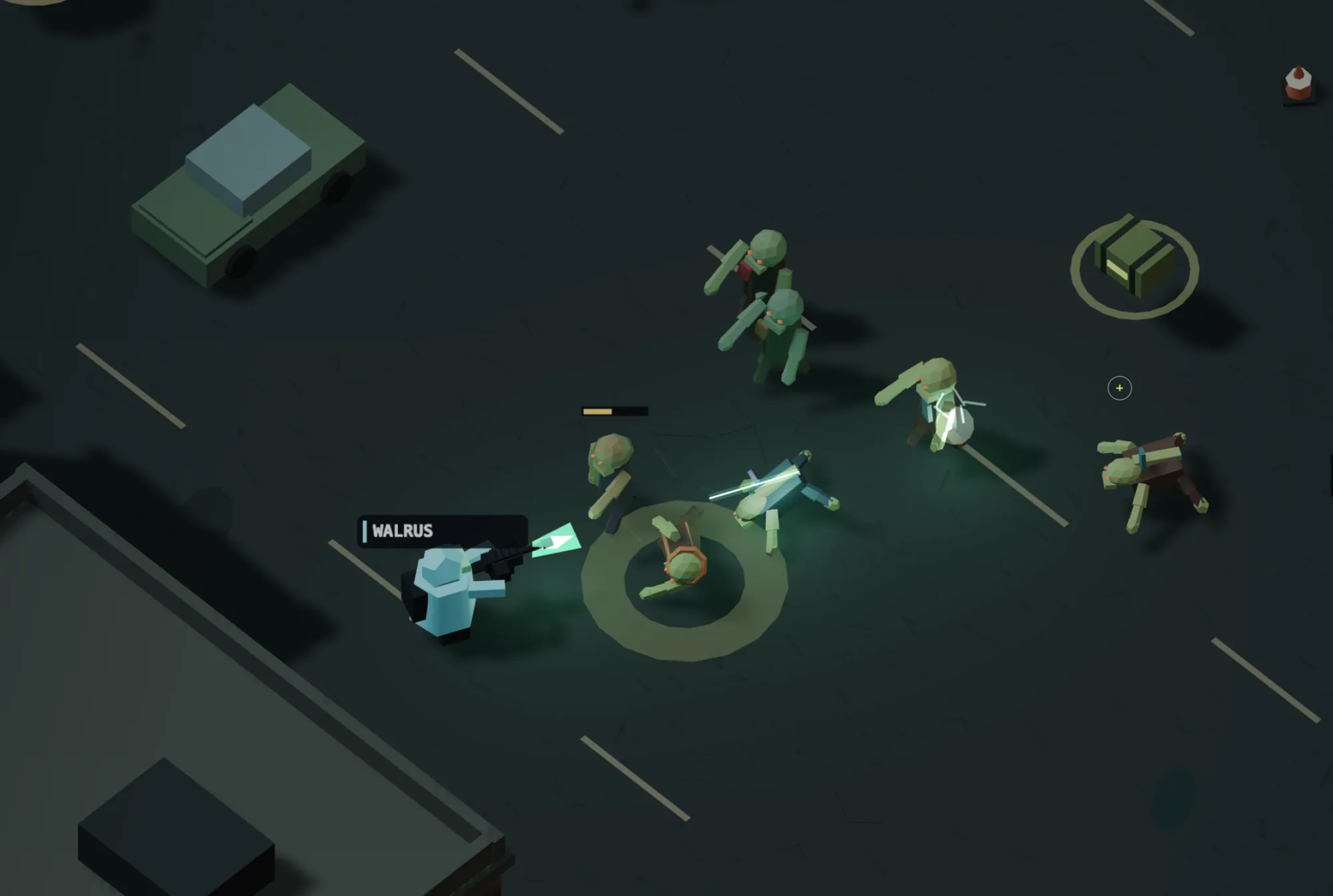
An isometric zombie shooter for players on desktop and mobile.